
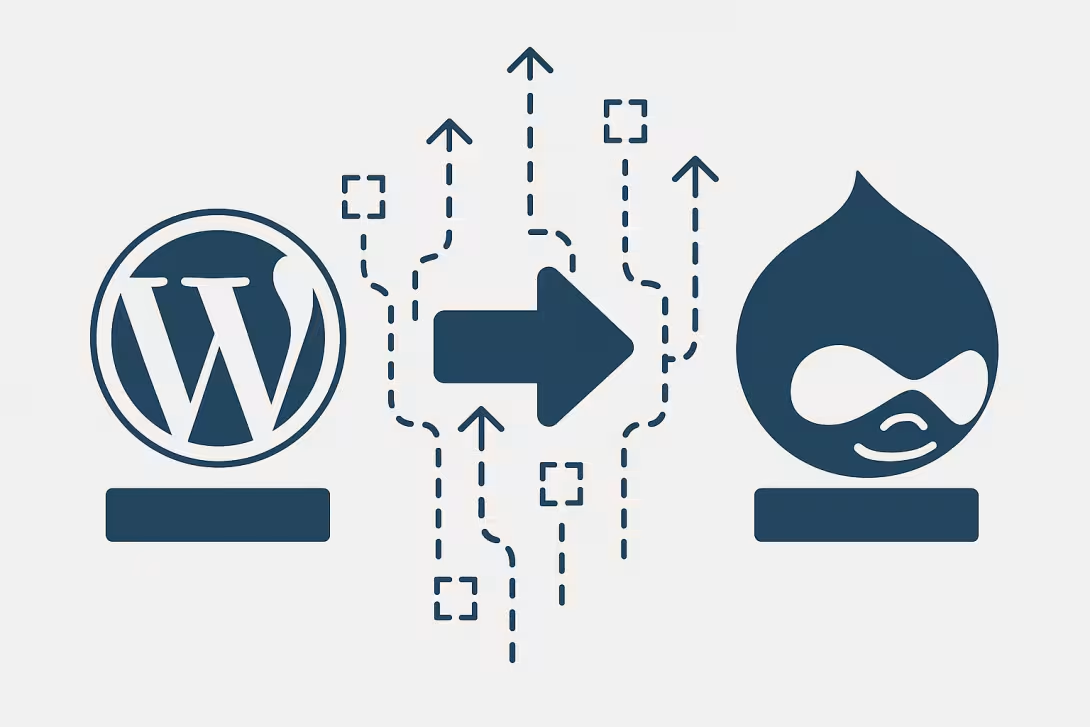
In the ever-evolving digital landscape, businesses often find themselves needing to transition from one content management system (CMS) to another. One common migration path is from WordPress to Drupal. Both platforms offer unique advantages, and while they serve similar purposes, their fundamental differences can impact usability, functionality, and scalability. This guide aims to provide you with a smooth migration strategy while highlighting how Peak AI Design LLC can assist in optimizing your new Drupal environment.
Understanding the Platforms
WordPress is widely recognized for its user-friendly interface and vast library of plugins. It is an excellent choice for bloggers and small businesses looking for a straightforward setup. On the other hand, Drupal is often lauded for its flexibility, scalability, and robust security features, making it a preferred choice for larger organizations and complex websites requiring customized solutions.
Preparation: Assess Your Current Site
Before initiating a migration, take time to assess your current WordPress site. Determine what content you need to retain, what features you wish to carry over, and what needs updating. This step is crucial in ensuring that your new Drupal site is tailored to your business requirements. Utilize tools to analyze your site’s existing structure and content analytics. Peak AI Design LLC can help you in this assessment phase, ensuring no vital detail gets overlooked.
Back Up Your WordPress Site
A backup is essential when migrating between platforms. Use a reliable backup plugin to create a complete copy of your WordPress site, including the database and media files. This precaution ensures you have access to all your data should any issues arise during migration. Keeping a secure backup also allows you to revert to your original site comfortably, should anything go awry in the migration process.
Set Up Your Drupal Environment
Once you have your backup, it’s time to set up your new Drupal environment. Choose a web hosting provider that supports Drupal and ensure that the versions and configurations meet your requirements. Consider considerations like site speed, hosting security, and customer support as you make your choice. Peak AI Design LLC can recommend reliable hosting solutions tailored to your business size and complexity.
Migrating Your Content
The actual content migration is one of the most critical steps. Drupal offers various modules designed to assist with importing data from WordPress. The most popular method involves using the Migrate module, which allows for custom migration scripts, ensuring that your content, users, and paths are imported properly. Depending on your specific needs, you may also utilize drush commands, which offer command-line options for smoother migrations.
Another option is leveraging third-party tools and services that specialize in data migration. These can simplify the process, especially for users unfamiliar with the technical intricacies. Peak AI Design LLC's developers are experienced in data migration and can help streamline this process, ensuring accuracy and minimizing downtime.
Rebuilding Your Functionality
Once the content is migrated, it’s time to focus on recreating the functionalities of your WordPress site in Drupal. This may involve finding suitable Drupal modules that replicate the features you used on WordPress. Given Drupal’s extensive library of modules, options are available for almost any functionality, from SEO optimization and social media integration to e-commerce capabilities.
Take this opportunity to assess whether you want to enhance functionality beyond what WordPress offered. With Drupal's robust architecture, the scalability of your new website is limitless. Peak AI Design LLC's team can guide you in choosing the right modules and setting them up efficiently and securely.
Testing and Launching
After migrating content and setting up functionalities, it's essential to conduct thorough testing. Check for broken links, format inconsistencies, and functionality tests (forms, search capability, etc.). Ensure your new site performs well on various devices, as responsiveness is key to user satisfaction. Testing can save you from future headaches and ensures a smooth user experience when you finally launch.
Post-Migration Strategies
Once your site is live, don’t consider the project complete. Keep monitoring your site's performance and usability. Regular updates to Drupal modules and core files will help maintain security and performance. Utilize analytics to track your site’s traffic and engagement metrics and adjust your content strategy accordingly. Peak AI Design LLC offers ongoing support services to help businesses adapt to their new environment and maintain optimal performance post-launch.
Conclusion
Migrating from WordPress to Drupal can be a rewarding endeavor, offering enhanced features and scalability for your business. With careful planning and execution, you can enjoy all the benefits that Drupal has to offer. Whether you need assistance during the migration process or ongoing support to maximize your new platform’s potential, Peak AI Design LLC is ready to help. Contact us today for a free consultation to discuss how we can assist you in making your migration seamless and successful.
This article was published by Peak AI Design LLC — expert web development and AI integration for businesses ready to grow. Contact us for a free consultation.
Comments