
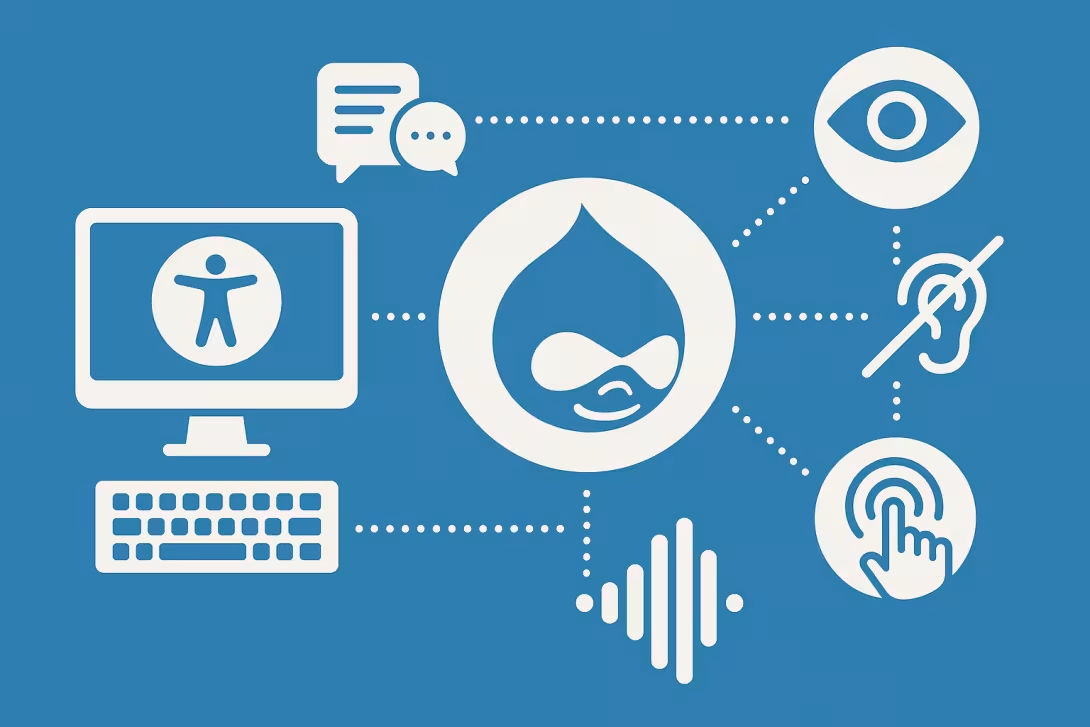
In today's digital landscape, ensuring that websites are accessible to all users is not just a matter of compliance but a fundamental component of good design and user experience. As one of the most versatile content management systems available, Drupal offers a plethora of tools and modules that can help developers create highly accessible websites. By incorporating accessibility best practices, businesses can enhance user experience while also reaching a broader audience, including those with disabilities.
Understanding Web Accessibility
Web accessibility means that websites should be usable by everyone, including individuals with disabilities. This encompasses a variety of impairments, including visual, auditory, motor, and cognitive disabilities. Studies suggest that enhancing accessibility not only benefits users with disabilities but also improves overall usability for everyone. Implementing best practices in accessibility allows businesses to establish inclusive digital spaces where all users can navigate seamlessly.
Utilizing Drupal's Built-In Features
Drupal’s core functionalities are designed with accessibility in mind. Features such as text resizing, color contrast settings, and semantic HTML contribute to building user-friendly sites. It's critical for developers to familiarize themselves with these built-in features to ensure compliance with accessibility standards like WCAG (Web Content Accessibility Guidelines).
By leveraging Drupal's robust permissions system, businesses can create different roles for their users, allowing easy customization according to user needs. This enables organizations to tailor content delivery and site interaction according to the diverse abilities of their audience.
The Importance of Semantic HTML
One of the foundational principles of creating an accessible website is using semantic HTML correctly. Semantic elements improve the structure and presentation of a webpage for assistive technologies, such as screen readers. Ensuring that headings, lists, tables, and other structural elements are appropriately used makes it easier for users to navigate the content.
Drupal allows developers to create custom content types and fields, which can incorporate semantic HTML right out of the box. By utilizing these functionalities, developers can enhance content structure, making it more accessible and easier for users to comprehend.
Keyboard Navigation and Focus Management
Many users rely on keyboards rather than mice to navigate websites. Therefore, ensuring that all interactive elements can be accessed via keyboard shortcuts is crucial. Drupal facilitates this by allowing developers to customize tab order, ensuring that users can navigate through forms and other components efficiently.
Moreover, proper focus management is essential, especially when dealing with dynamic content and modals. Developers should utilize ARIA (Accessible Rich Internet Applications) attributes appropriately to inform users when a focus change occurs. This can significantly improve the experience for keyboard-only users, leading to a smoother navigation flow.
Color Contrast and Visual Design
Effective color contrast is essential in improving readability and ensuring that content is accessible to users with visual impairments. Drupal provides various themes and customization options that allow developers to adjust colors to meet accessibility guidelines. Ensuring high contrast between text and background colors can significantly enhance user comprehension.
In addition, incorporating flexible design elements that adapt to themes and customizable configurations ensures users can modify the visual interface according to their individual needs. This is where a professional web development team like Peak AI Design LLC can guide businesses, helping them create visually appealing and accessible websites.
Regular Testing and Feedback
To maintain accessibility, it is vital to test for various impairments and continuously gather user feedback. Tools like automated accessibility checkers can help identify issues, but manual testing with real users is essential to gain impactful insights. Drupal's community is rich with resources and modules for testing accessibility features, such as the “Accessibility” module which can help enhance compliance and usability.
Peak AI Design LLC emphasizes the importance of regular accessibility audits in web development processes, ensuring that businesses do not overlook this critical aspect during site updates or redesigns. By proactively addressing accessibility, companies can foster inclusion and retain user engagement.
Conclusion
Enhancing user experience through accessibility best practices in Drupal not only opens up opportunities for a wider audience but also establishes a commitment to inclusivity. By understanding and implementing these practices, developers can create captivating and functional digital spaces. Peak AI Design LLC is here to assist businesses in navigating the complexities of web accessibility, ensuring that every user has a fulfilling online experience.
For a free consultation on how to enhance your Drupal website’s accessibility and overall user experience, contact Peak AI Design LLC today!
This article was published by Peak AI Design LLC — expert web development and AI integration for businesses ready to grow. Contact us for a free consultation.
Comments